Smart glasses for laptop work: test your text before replacing a monitor
A useful travel workspace can still be a poor everyday display. Named reviewers and owners show what to check on your own computer.
 SmartWearGuide · 2026-10-12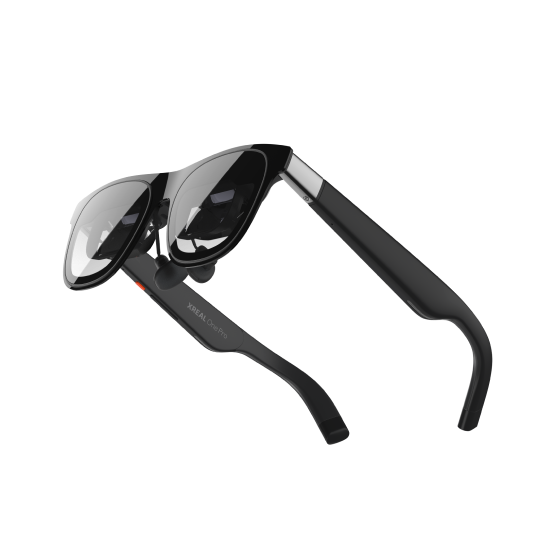
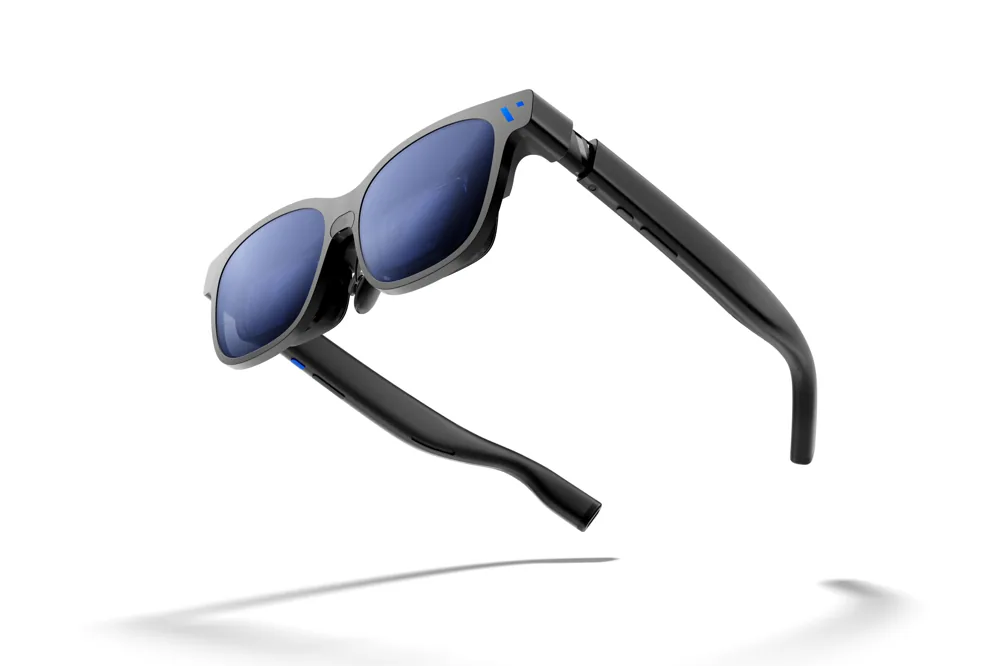
A pair of display glasses can improve an awkward working location without becoming your permanent monitor. Jason England's direct One Pro and Beast comparison favoured One Pro for editing on flights. The useful test is equally specific: can you read your own document and reach the controls you need while seated in the place where you expect to work?[1]
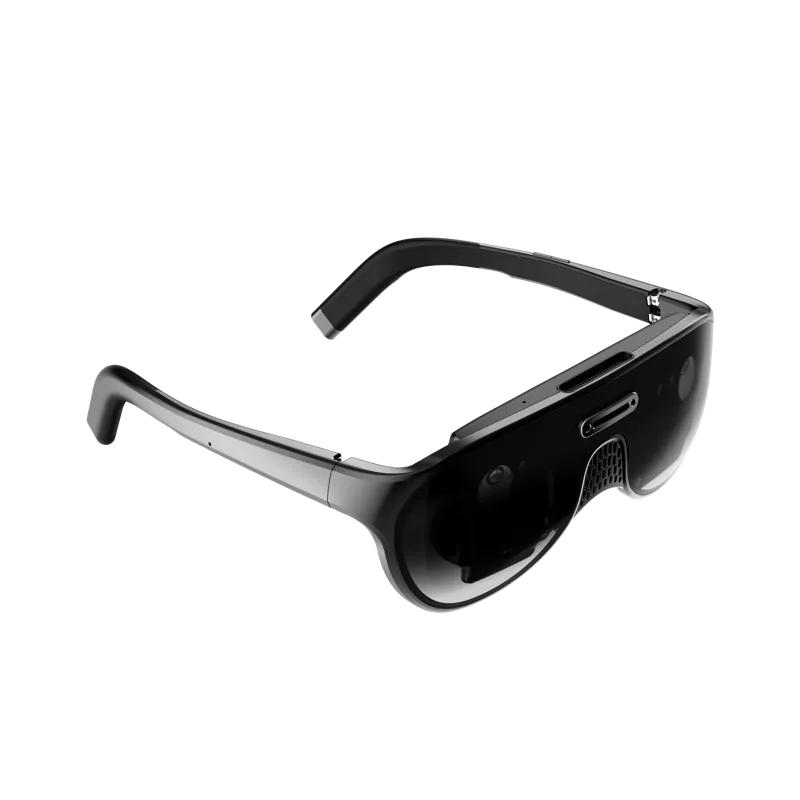
Brady Snyder's Beast review supplies an important limit. He wrote on a connected MacBook Pro and found small text legible but blurry, despite enjoying the same glasses for gaming. SpaceWalker's larger desktop layouts felt natural to navigate by turning his head. A convincing extended workspace and comfortable prolonged reading therefore need separate trials; his result cannot diagnose every buyer's optics.[2]
Named owners disagree even within one model. Reddit user u/pigmej found One Pro programming text unusable; u/tehmungler, explicitly using One Pro, reported that changing the Mac's ultrawide resolution improved readability. Their identities, units and settings are unverified. A different participant later identified the base One, so that person's successful setup should not be transferred to One Pro.[3]
More ambitious hardware adds another uncertainty. Sebastian Ang's August 2026 URXR One prototype test found a wider Windows workspace with useful edge clarity, but also audible cooling and lens glare. His encouraging session does not establish performance on delivered customer hardware. A prototype multi-window demonstration is especially weak evidence for replacing the computer display you depend on every working day.[4]
The manuals clarify the connection rather than proving comfort. XREAL documents on-device positioning; VITURE's Beast guide separates native display controls from SpaceWalker layouts. VITURE asks buyers to verify DisplayPort over USB-C or an equivalent video-capable port. Check your exact laptop, operating system and required adapter, and distinguish one extended screen from software-generated virtual monitors.[5] [6]
Run a working session before deciding: ordinary text sizes, a spreadsheet, a video call and switching between windows. Check every screen edge, your prescription arrangement, cable placement and charging. Repeat after adjusting the nose pads and display scale. Keep the laptop screen available during the trial. Buy for a benefit in your routine; a larger canvas alone does not establish easier reading or window management.